Exclamation mark next to the Wi-Fi icon on Android: what it means and how to fix it
An exclamation mark appearing next to the Wi-Fi icon on Android smartphones indicates that the device is connected to a network but lacks internet access.
 💡Tech
Photo: UNIAN
Key points
- The exclamation mark signals no internet access despite Wi-Fi connection
- Testing other devices helps identify the source of the problem
- Public networks may require manual authentication
Android users may occasionally notice an exclamation mark symbol appearing next to the Wi-Fi icon in the status bar. This indicator serves as a system notification that while the device is successfully connected to a wireless access point, it is unable to exchange data with the internet.
How to troubleshoot the issue
The first step in diagnosing the problem is to attempt to load a website in your browser. If pages fail to load, you should verify if the issue is local to your device. Try connecting another device to the same network; if the internet works elsewhere, the issue lies within your smartphone's settings.
- Toggle your Wi-Fi off and on, or use Airplane Mode to reset wireless connections.
- Forget the network in your settings and reconnect from scratch.
- Check for system updates, as they often include patches for network-related bugs.
If the internet is unavailable on all devices, the issue likely stems from the router or the internet service provider. Additionally, in public Wi-Fi zones, this icon often indicates that a secondary login or authentication step is required via a web portal.
Source UNIAN — unian.ua/techno/communications/wi-fi-zi-znakom-okliku-na-android-sh… ↗
Read next
 ⚽Sport
Ukrainian boxing champion Kira Makohonenko rejects offer to represent the USA
18-year-old junior world champion Kira Makohonenko has turned down offers to change her sports citizenship to represent the USA and Australia.
 🚨Events
EasyJet flight makes emergency landing after bird strike
An EasyJet passenger plane was forced to return to Bristol Airport shortly after takeoff following a bird strike incident.
 🚨Events
Elon Musk on the Role of Starlink in the War and Accountability for System Use
The American billionaire emphasized that Starlink remains vital for the Ukrainian military but cautioned against using the civilian network for offensive operations.
 🛡️Security
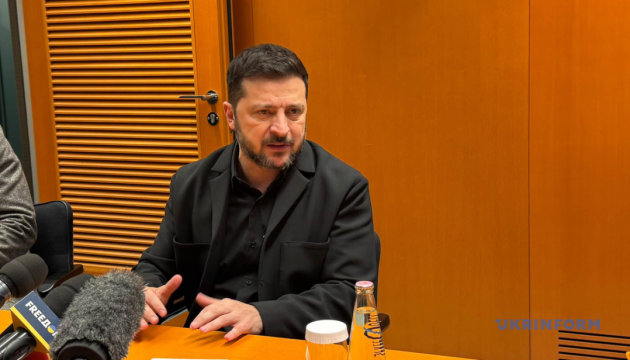
Zelensky: Washington's pressure on Russia is key to achieving peace
The President of Ukraine emphasized the importance of American influence on the Kremlin to end the war. He stressed that the path to peace lies through strength and unity…
 👥Society
EU to summon Russian ambassador following damage to diplomatic missions during Kyiv attack
The European Union is summoning the Russian ambassador after foreign embassy buildings were damaged during an attack on Kyiv.
 👥Society
Cynologists name six dog breeds best suited for apartment living
Experts have identified a list of dog breeds known for their balanced temperament and ease of care. These pets make ideal companions for city dwellers and families with c…